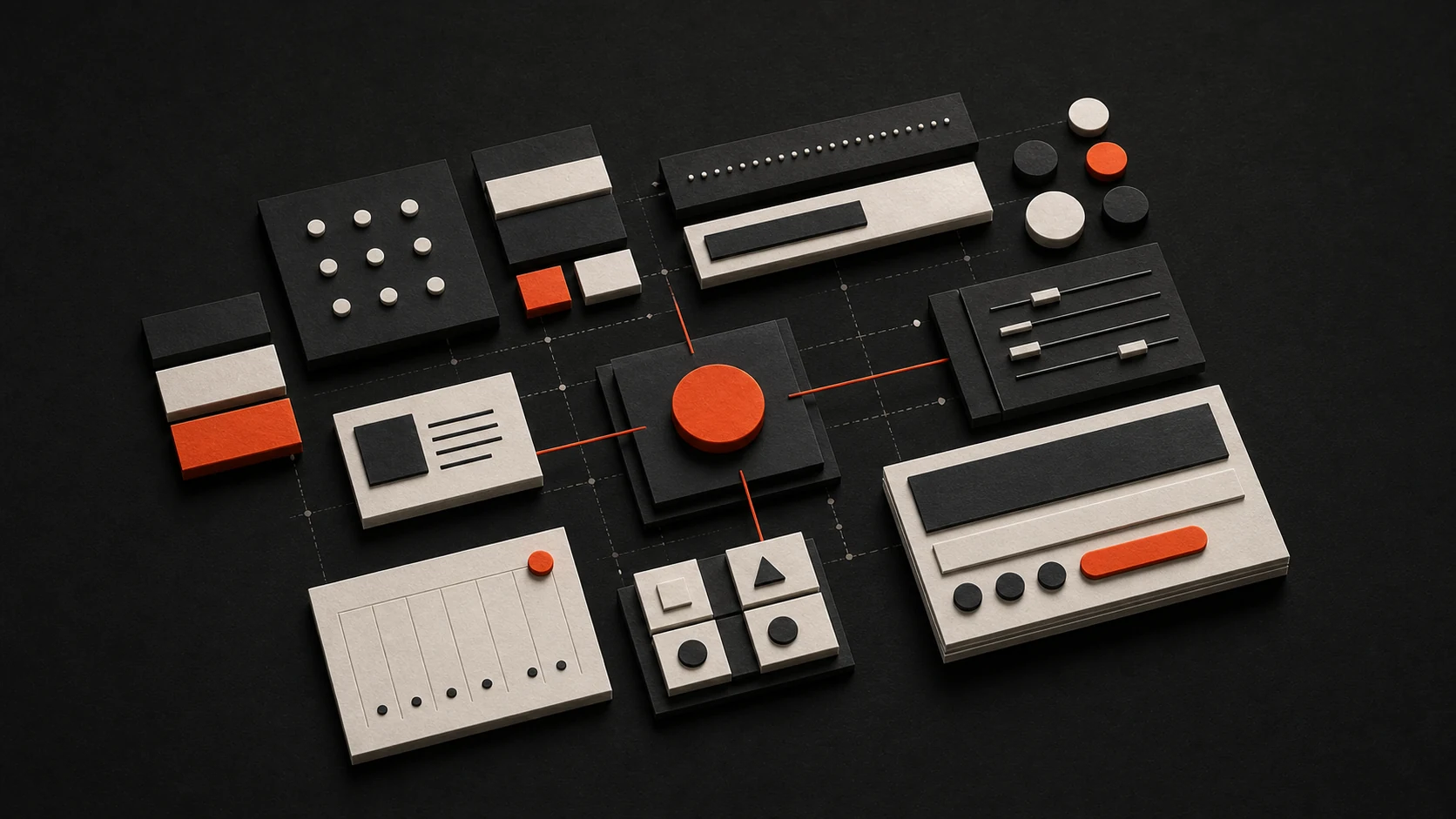
Design systems are the backbone of consistent user interfaces. Here's how to build one that scales. I've seen teams skip the foundation and end up with a component library that's impossible to maintain—colors drift, spacing is inconsistent, and every new designer reinvents the wheel. Start with tokens and primitives, then build up.
Why Design Systems Matter
A well-crafted design system provides:
- Consistency across all products — Same buttons, same spacing, same typography. Users don't have to relearn the UI in every corner of the app.
- Faster development with reusable components — New features ship faster when you're composing, not building from scratch.
- Better collaboration between designers and developers — Shared language. Designers hand off tokens and component names; devs implement without guessing.
- Reduced technical debt over time — One source of truth. Fix a bug in the Button once, it's fixed everywhere.
The catch: design systems take upfront investment. If you're a team of two shipping an MVP, maybe wait. If you're scaling past a few products or a few developers, the payoff is real.
Getting started
Create a separate package (or repo) for your design system. Keep it as a dependency. This forces a clear boundary—the design system is a product, not a folder in your app.
mkdir design-system && cd design-system
npm init -y
Install React and Tailwind as peer dependencies. You don't want to bundle React twice. Set up a simple tailwind.config.js that exports your tokens—we'll get to those next.
Core Principles
1. Start with Tokens
Design tokens are the atomic values of your system. Colors, spacing, typography, radii. Define them once, use them everywhere.
export const tokens = {
  colors: {
    primary: {
      50: '#eff6ff',
      500: '#3b82f6',
      900: '#1e3a8a',
    },
    neutral: {
      0: '#ffffff',
      100: '#f5f5f5',
      900: '#171717',
    },
  },
  spacing: {
    xs: '0.25rem',
    sm: '0.5rem',
    md: '1rem',
    lg: '1.5rem',
    xl: '2rem',
  },
  radii: {
    sm: '0.25rem',
    md: '0.5rem',
    lg: '1rem',
    full: '9999px',
  },
} as const;
Tailwind can consume these via theme.extend. The key is: no magic numbers in components. If you need padding: 12px, that should map to a token. We use md for 1rem—pick your scale and stick to it.
2. Build Primitive Components
Start with the basics. Button, Input, Badge. Use something like class-variance-authority (CVA) for variants—it keeps the API clean and the CSS predictable.
import { cva, type VariantProps } from "class-variance-authority";

const buttonVariants = cva(
  "inline-flex items-center justify-center rounded-md font-medium transition-colors",
  {
    variants: {
      variant: {
        primary: "bg-primary text-white hover:bg-primary/90",
        secondary: "bg-secondary text-secondary-foreground hover:bg-secondary/80",
        ghost: "hover:bg-accent hover:text-accent-foreground",
      },
      size: {
        sm: "h-8 px-3 text-sm",
        md: "h-10 px-4",
        lg: "h-12 px-6 text-lg",
      },
    },
    defaultVariants: {
      variant: "primary",
      size: "md",
    },
  }
);

interface ButtonProps
  extends React.ButtonHTMLAttributes<HTMLButtonElement>,
    VariantProps<typeof buttonVariants> {}

export function Button({ variant, size, className, ...props }: ButtonProps) {
  return (
    <button className={buttonVariants({ variant, size, className })} {...props} />
  );
}
One gotcha: avoid prop drilling for things like "disabled" styling. Use data-[disabled] or aria-disabled in your CVA so the component handles its own states. Keeps the API simple.
Component Composition
Build complex components from primitives:
| Level | Examples | Purpose |
|---|---|---|
| Tokens | Colors, spacing, typography | Foundation |
| Primitives | Button, Input, Badge | Building blocks |
| Patterns | Card, Modal, Dropdown | Common UI patterns |
| Templates | PageHeader, Sidebar | Layout structures |
Don't skip levels. A Card should use Button and Input, not redefine them. If you find yourself copying styles from a primitive into a pattern, extract a primitive instead.
Documentation is Key
"A design system without documentation is just a component library."
Every component should include:
- Usage examples — Show common use cases. Not just "here's the props" but "here's how you'd use this in a form" or "here's how this looks in a modal."
- Props documentation — Explain all options. What does
variant="ghost"mean? When would you use it? - Accessibility notes — ARIA labels, keyboard nav, focus states. Screen reader behavior. This is where most design systems fall short.
- Do's and Don'ts — Guide proper usage. "Don't put a primary button inside another primary button." Visual examples help.
Storybook is the standard for this. Set it up early. If a component isn't in Storybook, it doesn't exist.
Migration strategy
Adopting a design system in an existing codebase is painful. You'll have legacy components, inconsistent patterns, and "we'll migrate later" debt. A few approaches:
- Strangler fig — New features use the design system. Old features stay as-is until you touch them. When you touch them, migrate. Slow but low-risk.
- Page-by-page — Pick a page, migrate it fully, ship. Repeat. Good when you have clear page boundaries.
- Component-by-component — Replace all Button usages across the app, then Input, then Card. More disruptive but faster to "done."
I've seen the strangler fig work best for larger apps. For greenfield, just use the system from day one.
Versioning Strategy
{
  "name": "@company/design-system",
  "version": "2.1.0",
  "peerDependencies": {
    "react": "^18.0.0",
    "tailwindcss": "^3.0.0"
  }
}
Use semantic versioning:
- Major — Breaking changes. Renamed props, removed variants, changed behavior.
- Minor — New features, backward compatible. New variant, new component.
- Patch — Bug fixes. No API changes.
When you ship a major, have a migration guide. Teams will grumble, but they'll grumble more if you surprise them.
Conclusion
Building a design system is an investment that pays dividends in developer productivity, design consistency, and user experience. Start small—tokens and a handful of primitives. Iterate often. Document everything. And when in doubt, prefer consistency over cleverness. The best design systems are boring in the best way.